How to Choose the Right POS for Retail in Nigeria
By SELL EVERYDAY Team
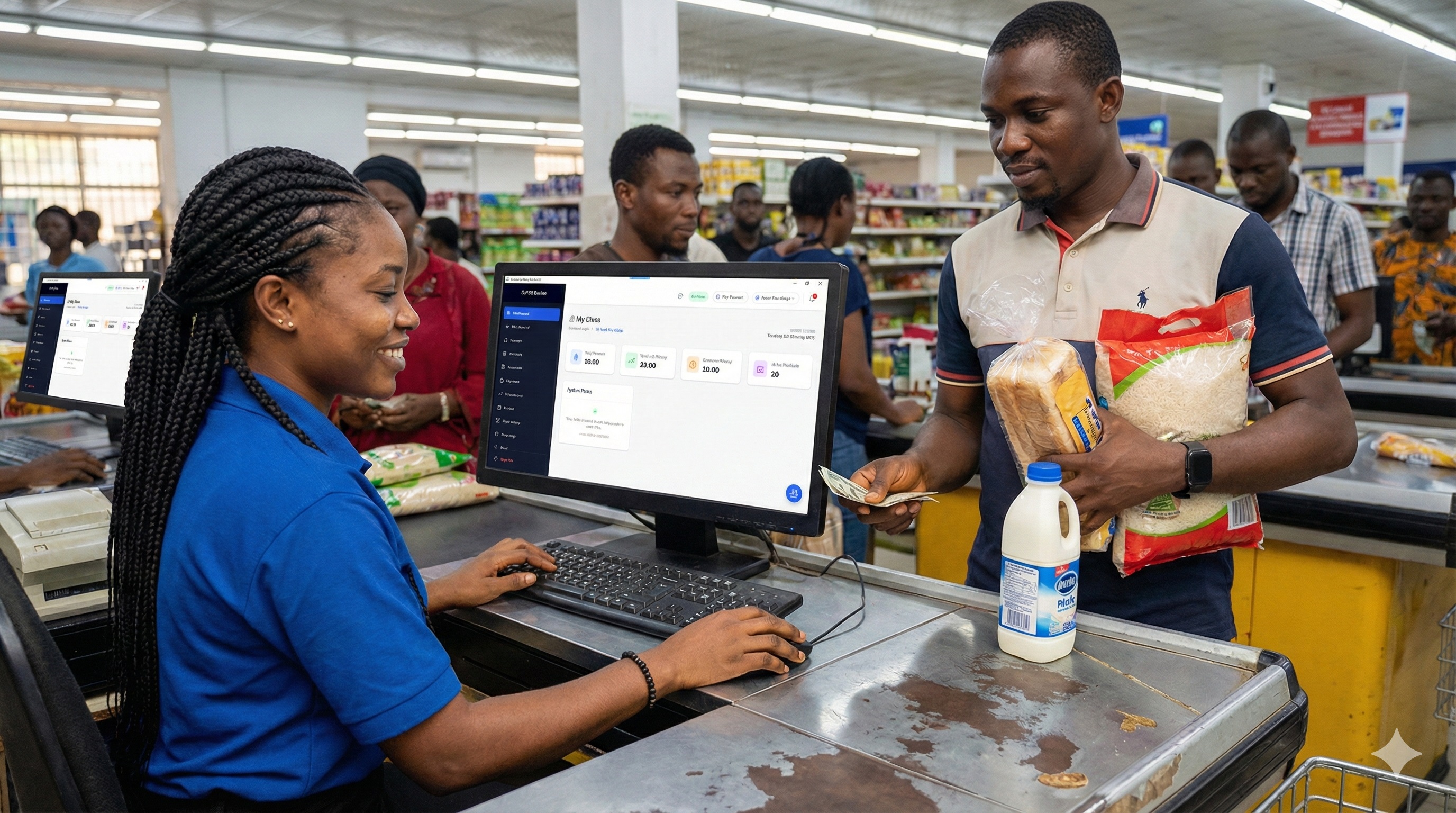
Most business owners in Nigeria buy a Point of Sale (POS) system under duress.
Either their business has outgrown handwritten paper ledgers, their sales attendants were caught pocketing unrecorded cash, or a sudden spike in customer foot traffic created agonizing queues at the door. In the rush to fix the problem, they call a friend, buy whatever terminal or software that friend recommends, and deploy it.
Six months later, the cracks appear:
- The supermarket checkout counter freezes solid at 6:30 PM on a Friday because the internet router hung, leaving 14 impatient shoppers stranded with full shopping carts.
- The pharmacy realizes it has been selling expired antibiotics because the software had no batch expiration tracking.
- The restaurant discovers that 15% of drink sales were canceled via cashier “item voids” after customers had already paid and departed.
Point of Sale systems are not one-size-fits-all utilities. A fashion boutique in Lekki Phase 1 has completely different failure modes than a high-turnover pharmacy in Ikeja or a 4-lane supermarket in Abuja.
Here is an architectural, sector-by-sector blueprint to help you choose the right POS system for your business without falling into expensive vendor traps.
1. Supermarkets & Mini-Marts: The Throughput & Shrinkage Challenge
Running a supermarket is a game of thin margins and high transaction volume. If your checkout experience is sluggish, customers simply abandon their baskets and walk to the store across the street.
Supermarket Checkout Critical Path:
[Item Scanned] ──► [Instant Price Lookup (<100ms)] ──► [Auto-Drawer Pop] ──► [Receipt Cut (<2s)]
Non-Negotiable POS Requirements for Supermarkets:
- Sub-Second Barcode Latency: Your software cannot afford to query a remote cloud database for every scanned barcode. Scanning 25 items must take seconds, not minutes. The product catalog must reside in local memory.
- True Offline Capability: When your internet provider experiences a downtime or cell towers congest during peak evening hours, your checkout lanes must keep ringing up sales without stuttering.
- Carton-to-Unit Conversion: Supermarkets purchase goods in bulk wholesale (e.g., cartons of 24 cans of condensed milk or crates of eggs) but sell them in individual units. Your POS must dynamically decrement wholesale stock whether an item is sold as an entire pack or as a loose piece.
- Anti-Shrinkage Staff Controls: Cashier theft in Nigerian supermarkets rarely happens through brute-force till snatching. It happens via:
- Post-payment voids: Voiding an item from the screen after cash is taken.
- Unrecorded price overrides: Manually discounting goods for acquaintances.
- Open-drawer sales: Ringing up items off-system and popping the drawer manually. Your software must require an administrative manager PIN for all item deletions, discounts, and drawer pops, with every event recorded in an uneditable audit trail.
- Hardware Peripheral Standards: Ensure the system connects natively via USB or Ethernet to standard commercial hardware: desktop omnidirectional barcode scanners, 80mm high-speed thermal printers, electronic cash drawers, and barcode weigh scales.
2. Pharmacies & Chemist Stores: The Regulatory & Clinical Challenge
In a pharmacy, inventory errors aren’t just financial losses—they are serious clinical and legal liabilities. Selling a customer an expired prescription medication can result in regulatory shutdowns and reputational ruin.
Pharmacy Inventory Architecture:
[Wholesale Batch Entry]
       │
       ├── Batch #2026-A1 ──► Expiry: Nov 2026 (FIFO: Sell First)
       └── Batch #2027-B4 ──► Expiry: Aug 2027 (Held in Queue)
Non-Negotiable POS Requirements for Pharmacies:
- Batch Number & Expiry Date Tracking (FEFO/FIFO): When taking delivery of pharmaceuticals, the POS must record batch numbers and manufacturing/expiry dates. The software should prioritize First-Expired, First-Out (FEFO) at the register and trigger automated low-expiry alerts 90, 60, and 30 days before expiration.
- Nested Unit-of-Measure Breakdowns: Pharmacies frequently purchase drugs in outer boxes, open them into blister packs, and occasionally sell loose individual tablets or sachets. The POS must handle multi-tier conversions without corrupting stock valuation.
- Customer Debt & Credit Ledgers: Neighborhood pharmacies frequently carry credit balances for regular chronic-illness patients. If this debt is managed on paper, 15% to 25% is lost to unrecorded partial repayments. The POS must maintain detailed individual customer ledgers with automated balance statements.
- Prescription Linking & Dispenser Tracking: Ability to tag the dispensing pharmacist and prescribing physician to specific drug purchases for clinical accountability.
3. Restaurants, Cafes & Lounges: The Order Routing & Recipe Challenge
In hospitality, the front-of-house (waiters, cashiers) and back-of-house (kitchen, bar) operate on high-pressure, time-sensitive coordination. If an order placed at Table 4 takes 12 minutes to reach the grill cook, customer satisfaction plummets.
Hospitality Order Flow:
[Waiter Tablet / Terminal]
       │
       ├── Food Items ──────► Kitchen Order Ticket (KOT) Printer / Screen
       └── Drink Items ─────► Bar Dispense Ticket Printer
Non-Negotiable POS Requirements for Restaurants & Bars:
- Kitchen Order Ticket (KOT) Routing: When a waiter enters an order containing a grilled catfish and two cocktails, the system must split the order instantly: printing food preparation instructions in the kitchen and beverage instructions at the bar counter.
- Table & Floor Management: Visual mapping of tables, supporting table transfers, bill merging, and bill splitting (e.g., three friends wanting to split a shared food and drinks tab across separate cards and transfers).
- Recipe Depletion (Ingredient Costing): Unlike retail where you sell pre-packaged items, restaurants sell composite products. Selling one plate of chicken fried rice should automatically deduct measured quantities of rice, chicken portions, cooking oil, and vegetables from your raw store inventory.
- Shift Float & Waiter Payouts: Rigorous management of cash floats, tip tracking, and server-specific sales totals at the end of each shift.
The 5 Fatal POS Traps to Avoid in Nigeria
Before signing any software contract or wiring money for hardware, evaluate these common traps that cost Nigerian business owners millions every year:
1. Hardware Vendor Lock-In
Be extremely wary of software solutions that force you into buying proprietary Android terminals or specialized tablet enclosures. If the vendor doubles their subscription fees next year, or if their cloud service experiences prolonged outages, you are left with expensive hardware bricks that cannot run any other software. Always demand hardware-agnostic systems that can run on standard Windows PCs, laptops, and off-the-shelf Android devices.
2. The “Cloud-Only” Assumption
Many modern SaaS tools built in North America or Europe assume constant, unmetered, gigabit-speed fiber internet. In Nigeria, fiber lines get severed by road construction, 4G towers face heavy traffic congestion, and storms knock out transmission antennas. A POS system that requires continuous internet connection to ring up sales will inevitably paralyze your checkout lanes at the worst possible moment.
3. FX-Denominated Subscriptions
Signing up for a POS system billed at $50 or $120 USD per month per counter might seem reasonable at first glance. However, in an economy where the exchange rate can fluctuate significantly over a 12-month period, your software operating expense can double without warning. Look for established local platforms that bill in stable, predictable Nigerian Naira (₦).
4. Ignoring Bank Transfer Reconciliation
In Nigeria, over 40% of retail transactions are paid via direct bank transfer or mobile banking apps. Cashiers are inundated with fake SMS alerts, delayed credit notifications, and photoshopped transfer receipts. A modern POS must support structured multi-tender recording (Cash, Card, Transfer) and integrate with automated transfer verification or multi-signoff cashier reconciliation.
5. Lack of In-Premise / LAN Server Options
For mid-sized and large supermarkets running 3 to 10 checkout lanes, relying on individual cloud connections for each terminal is fragile. A resilient store architecture uses a Local Area Network (LAN) setup: an in-store server hosts the database locally, all checkout lanes connect via high-speed local Ethernet or store WiFi, and transactions are synchronized in the background to the cloud. If cloud connection dies entirely, the store operates at 100% capacity indefinitely.
Comparison: Feature Requirements Across Retail Verticals
| Core Feature | Supermarket / Mini-Mart | Pharmacy / Chemist | Restaurant / Lounge | Boutique / Fashion |
|---|---|---|---|---|
| Offline Barcode Scan (<100ms) | Critical | Critical | Low | Moderate |
| Batch & Expiry Date Tracking | Moderate (Perishables) | Critical | Low | N/A |
| KOT Kitchen Order Routing | N/A | N/A | Critical | N/A |
| Multi-Unit Carton Breakdown | Critical | Critical | Moderate | Low |
| Manager Void & Anti-Theft Logs | Critical | Critical | Critical | Moderate |
| Table & Tab Management | N/A | N/A | Critical | N/A |
| Local LAN Server Support | Critical | Recommended | Recommended | Optional |
| Social Media / Online Store Sync | Low | Low | Low | Critical |
The 10-Point Technical Due Diligence Checklist
Before paying for any retail POS system, ask the vendor these 10 questions. If their sales rep hesitates or gives vague answers, walk away.
- “If I unplug the internet router right now, can my cashier still scan barcodes, print receipts, and open the cash drawer?”
- “When the internet reconnects after 4 hours, how does the system resolve conflicting stock numbers across branches?”
- “Can a cashier delete an item from the customer’s cart or offer a manual discount without a manager entering a PIN?”
- “Can the system automatically break down a carton of 48 pieces into individual units and track cost accurately?”
- “If the wholesale price of my goods increases next week, does the software use weighted average costing or overwrite historical margins?”
- “Can I run this software on my existing Windows computers and Android tablets, or am I forced to buy proprietary hardware from you?”
- “What happens if a customer wants to pay half in cash and half via bank transfer on the same bill?”
- “Does the software provide a blind cash reconciliation report at the end of the day before the cashier sees the system total?”
- “Is the subscription billed in fixed Nigerian Naira, and do you offer a one-time perpetual license option?”
- “How do you handle data backups if the counter laptop gets damaged or stolen?”
The Bottom Line
A great POS system is not an expense; it is the single most effective revenue-protection tool in your store. It stops inventory shrinkage, keeps customer queues moving, prevents cashier fraud, and gives you total visibility into your daily profits whether you are on the sales floor or traveling abroad.
If you are looking for an offline-first retail engine built specifically for the demands of modern Nigerian retail, pharmacies, and supermarkets:
👉 Start your 14-day free trial on Sell Everyday or request a live technical consultation to see how our offline architecture protects your business.